- Redesigns
- Fieldnote
- Concept
- Landing page
- Original concept
Fieldnote
A launch page for a research notebook that turns interview recordings into tagged, searchable insight.
- Industry
- Research software
- Type
- Landing page
- Year
- 2026
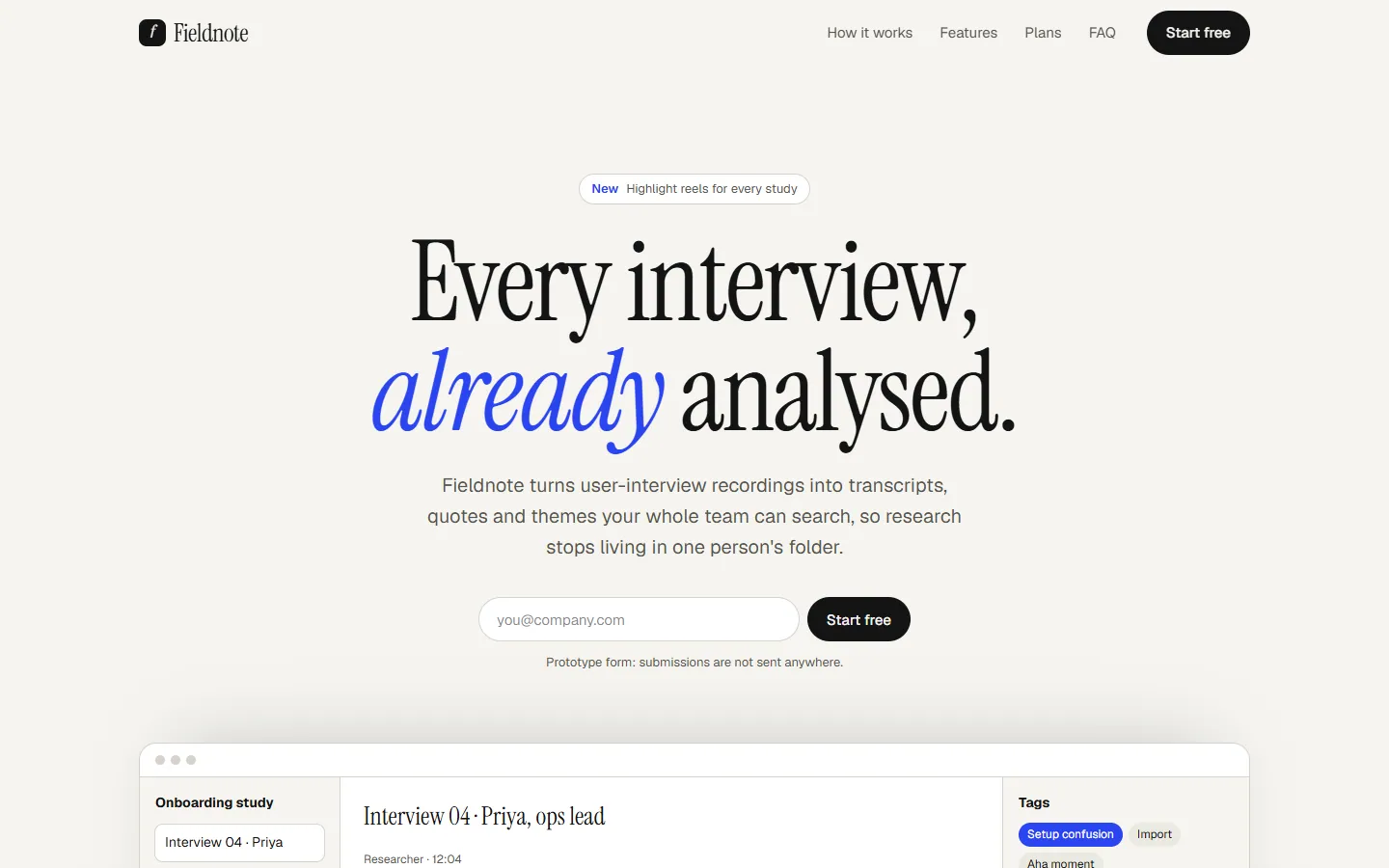
The concept
Fieldnote is a concept landing page for a product that user researchers would recognise instantly: recordings go in, quotes and themes come out. The page is built around one conversion, starting a free workspace, and every section exists to remove a reason not to.
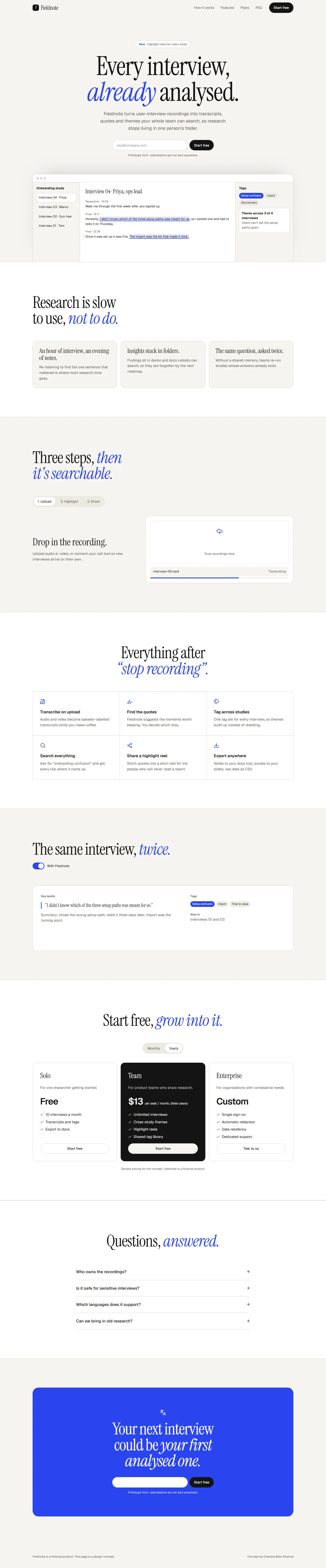
The full page is a working prototype. The how-it-works tabs, the before-and-after toggle, the plan switcher and the FAQ all respond. The sign-up field is a prototype and sends nothing.
Fieldnote is a fictional brand created for this concept. Any product details shown are illustrative.
The full page
The page, top to bottom.
Scroll inside the frame to read the whole page as designed, or open the prototype to use it.
Section by section
What each part of the page is for.
Hero
State the outcome in one line and offer the free workspace above the fold.
- The product shot shows a real-looking note, not an abstract gradient.
The problem
Name the cost the reader already feels: hours of re-listening, insights lost in folders.
How it works
Three tabs, one per step, each with its own product view, so the reader sees the workflow instead of reading it.
Features
Six capabilities, each a verb and a sentence. Scannable in ten seconds.
Before and after
A toggle that turns a raw transcript into a tagged note, which is the product's promise in one gesture.
Plans
Three plans described by who they are for. Billing period switches in place.
FAQ
Answer the objections that stop a sign-up: privacy, languages, exports.
Closing call to action
Repeat the single action with the one fact most likely to tip a decision.
Mobile
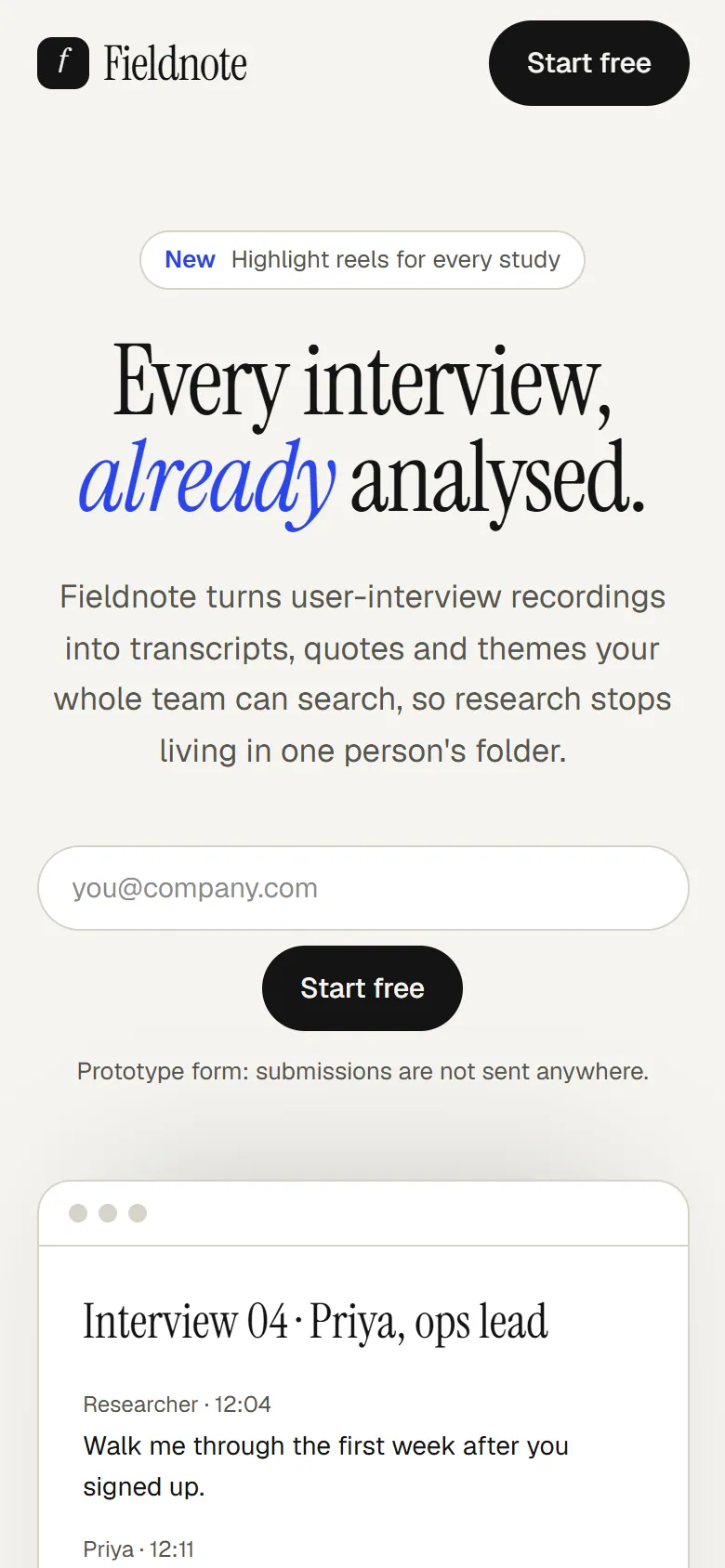
Designed for the phone, not shrunk to it.
Each page at 390px wide. Select one to see it full length.
Landing page
Design rationale
Why it looks and works this way.
One action, repeated
Every section ends where the reader can start a workspace. Secondary links never compete with it visually.
Show the workflow
The how-it-works tabs and the before-and-after toggle replace the usual feature paragraphs with something a visitor operates.
Serif for the voice, sans for the facts
An expressive serif carries the headlines; a neutral grotesk handles the interface and the detail.
Objections answered in place
Privacy and data ownership sit in the FAQ above the final call to action, where hesitation actually happens.
Work with me
Request a proposal.
Every engagement starts with a conversation about your goals. Scope and pricing are agreed before any work begins.
Adapt it to your brand
Keep the structure, then fit the typography, colour, copy and imagery to your brand and your real content.
Commission the build
Have the full website implemented: responsive, accessible, fast, and handed over on the stack you run.
Request a proposal
Start from your current site instead. You get a written redesign proposal with scope and a plan.
Talk it through.
Send a short note about your business and what you need. You will get a personal reply, usually within two working days. Prefer to talk? Book a call or write directly.